Marketplace main images
Centred on pure white with a soft shadow, the way platform main-image rules expect.
AI product photo set
Upload one clear product shot, tick the shots your listing needs, and get back a named set — white background, lifestyle, detail and more — ready to download.
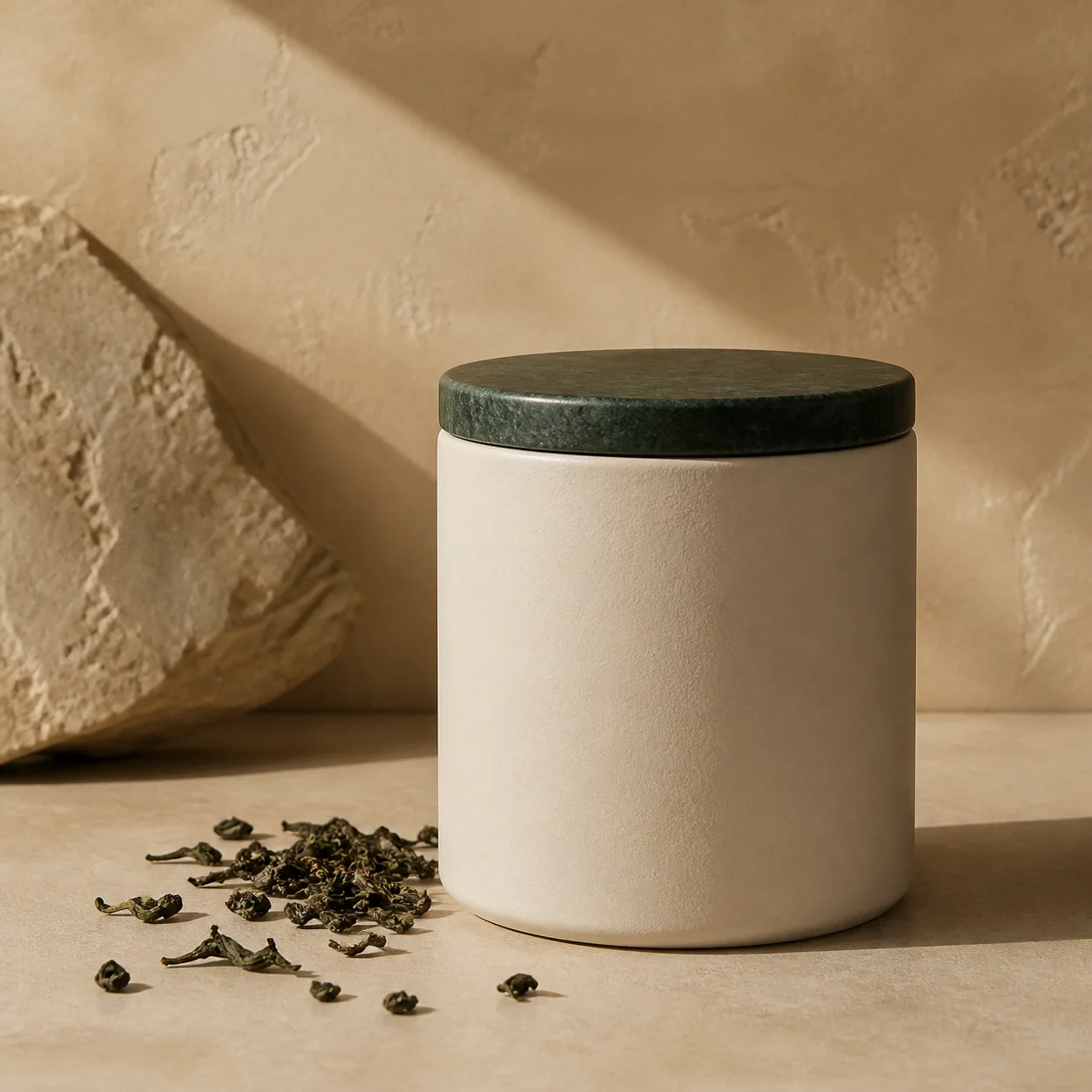
The product stays as photographed; only the setting, light and angle change, so the set reads as one product across every shot.
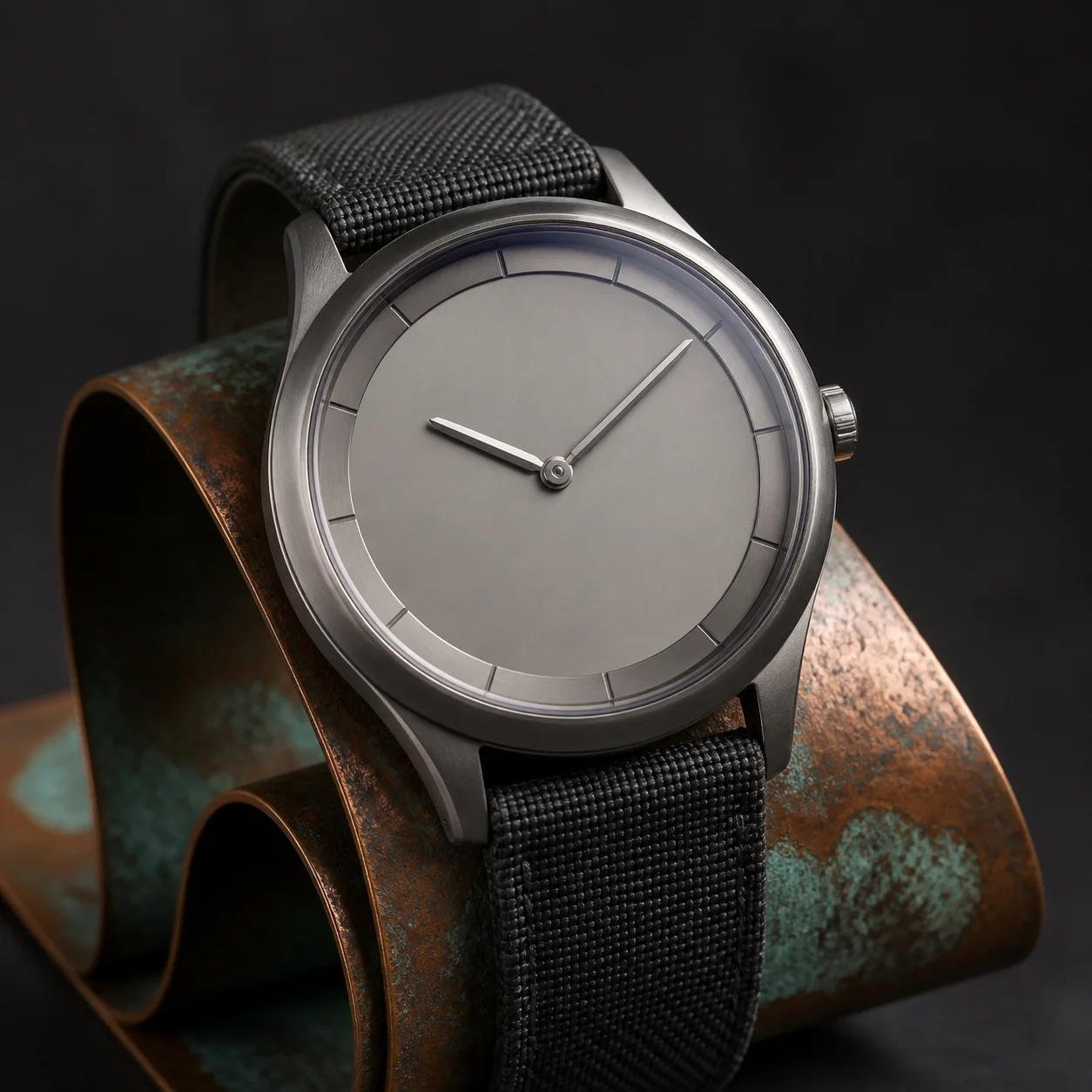
Centred on pure white with a soft shadow, the way platform main-image rules expect.
Place the product in real use with a few props, or on a dark set with rim light and reflections.
Close-ups of material and craft, plus scale shots that let buyers judge size at a glance.
A sharp phone photo is enough. Add other angles of the same product if you have them.
Each shot is one image, so untick what you do not need. Add a short note on name, material, size or scene.
Every image comes back labelled with its shot, ready to download one by one.

The set keeps the product as photographed and changes the background, props, light and angle. Check fine details such as printed text before you publish.
No. A sharp, well-lit phone photo works. Extra angles help with the sides and depth of the product.
A failed shot releases its Credits, and you can retry only the missing shots without regenerating the rest.
Continue with another workflow