Apparel listings
Put a garment from a flat-lay or product photo onto a model shot.
AI outfit change
Upload a photo of a person and a garment reference or description. aix0 dresses them in the new outfit while keeping face, pose and scene.
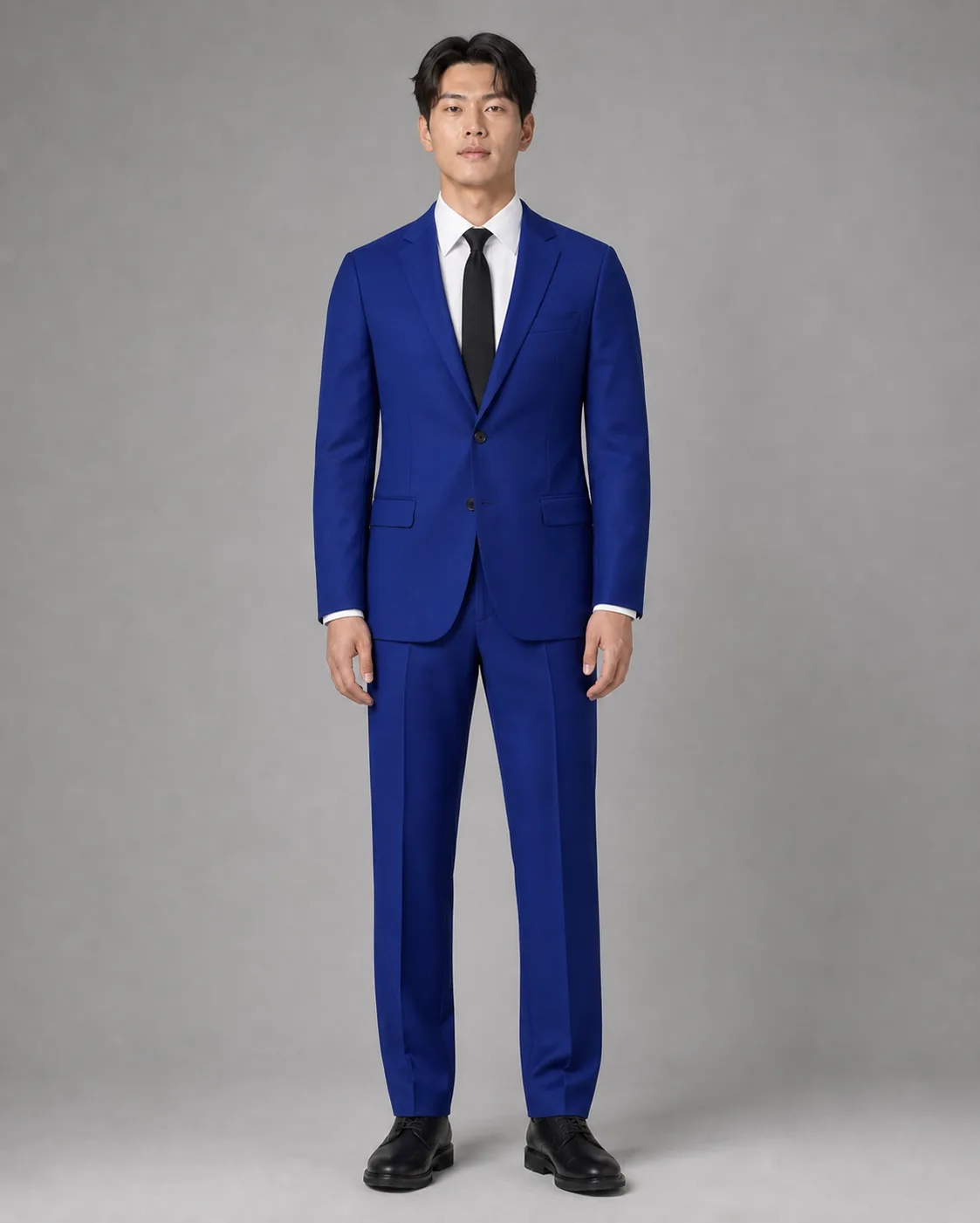
Show a garment on a real person, or explore styling, without booking the model again.
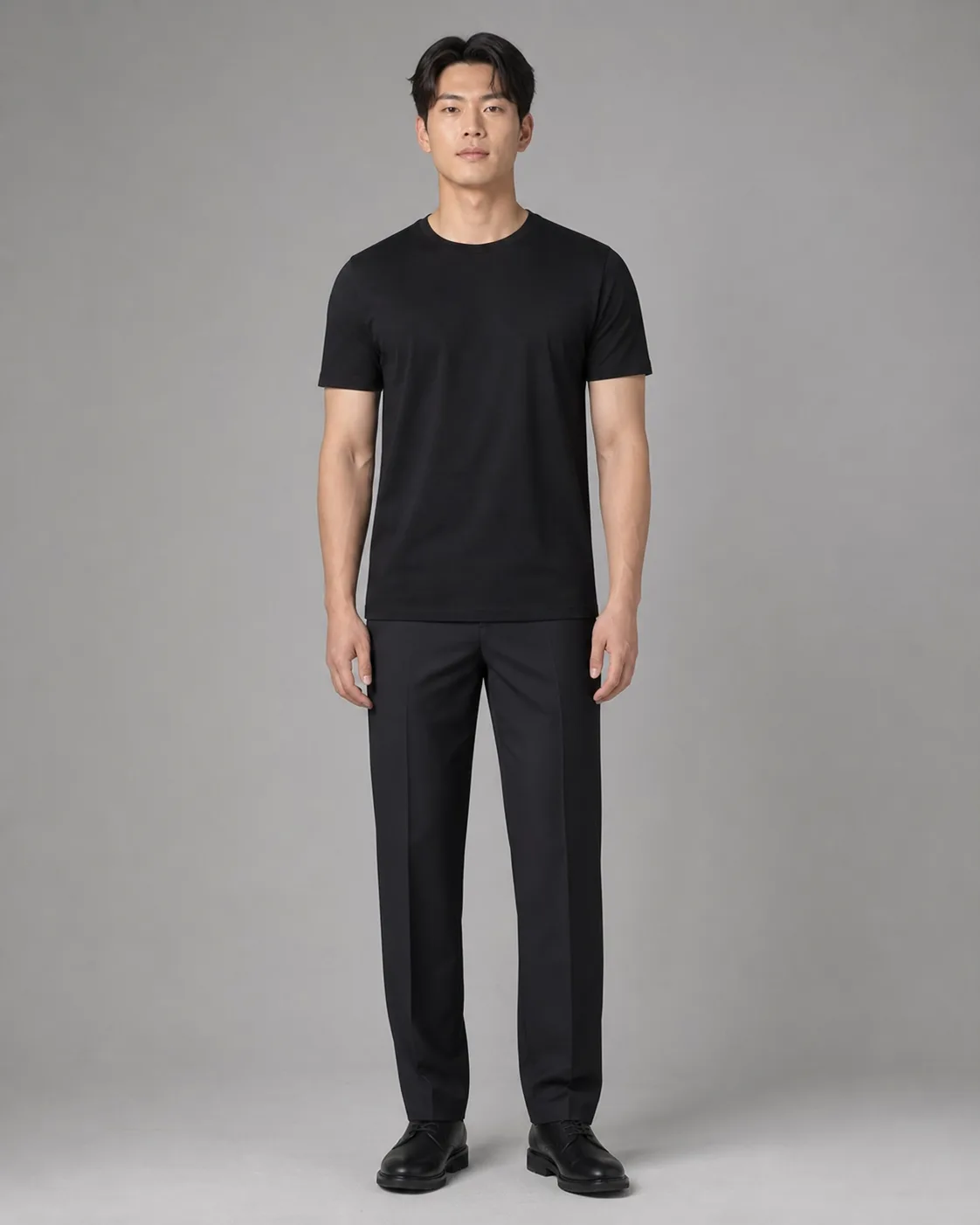
Put a garment from a flat-lay or product photo onto a model shot.
Compare colours, fabrics and fits on the same person before a shoot.
Build a series of looks around one model and one setting.
Choose the photo whose face, pose and scene should stay.
Upload a reference image, describe style, material and colour, or do both.
Pick upper body, lower body, full outfit or auto, then a fit and how closely to follow the garment.
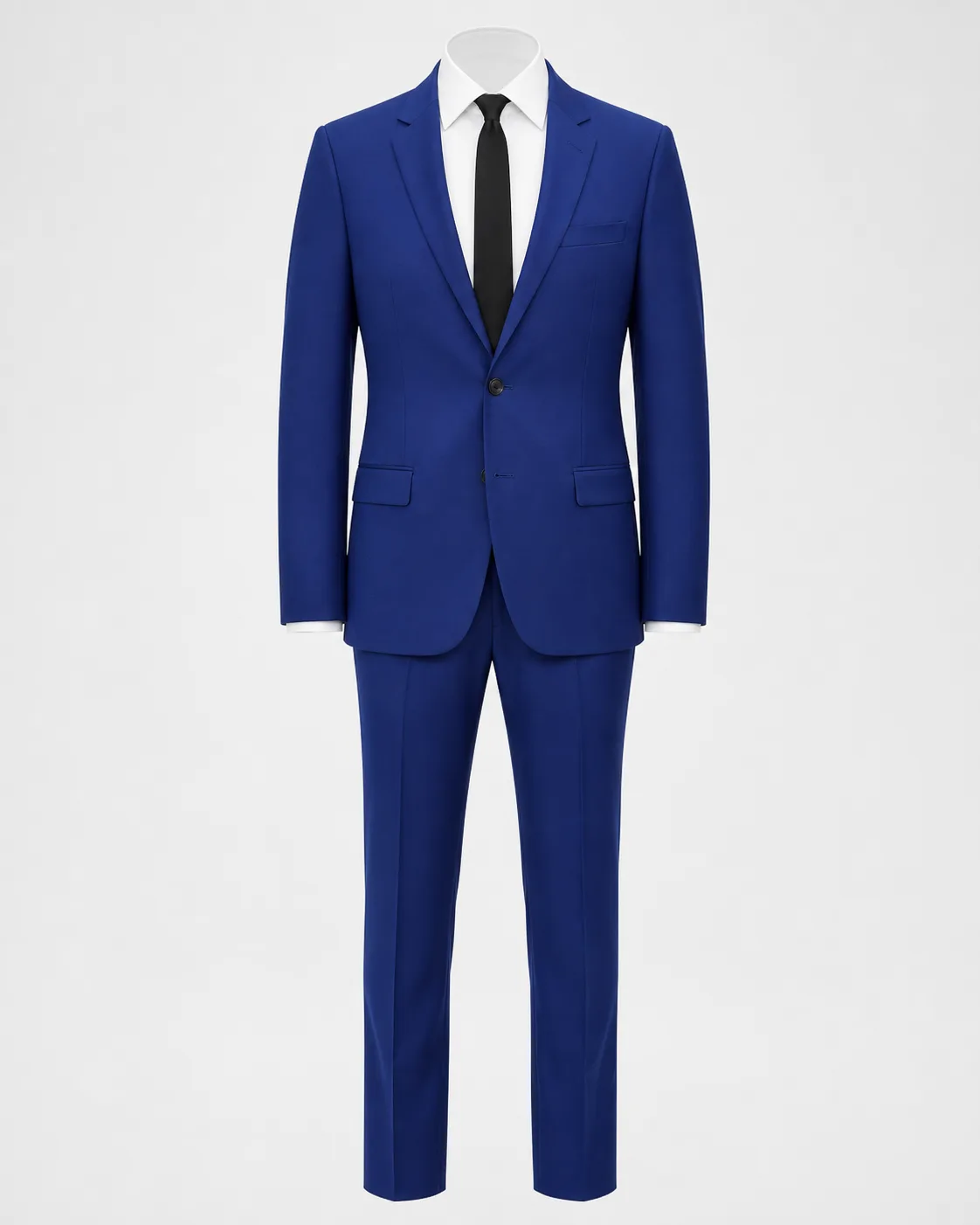
No. A reference photo gives the most faithful result, but you can also describe the garment's style, material, colour and details.
Yes. Set the outfit area to upper body or lower body, or leave it on auto.
Yes. Confirm that everyone shown is an adult and that you may use the images, the same check as face swap.
Continue with another workflow