Consistent campaign talent
Keep one model's face across a series shot on different days or sets.
AI face swap
Upload a target photo and a face reference. aix0 places the face into the scene while keeping pose, expression, light and background consistent.
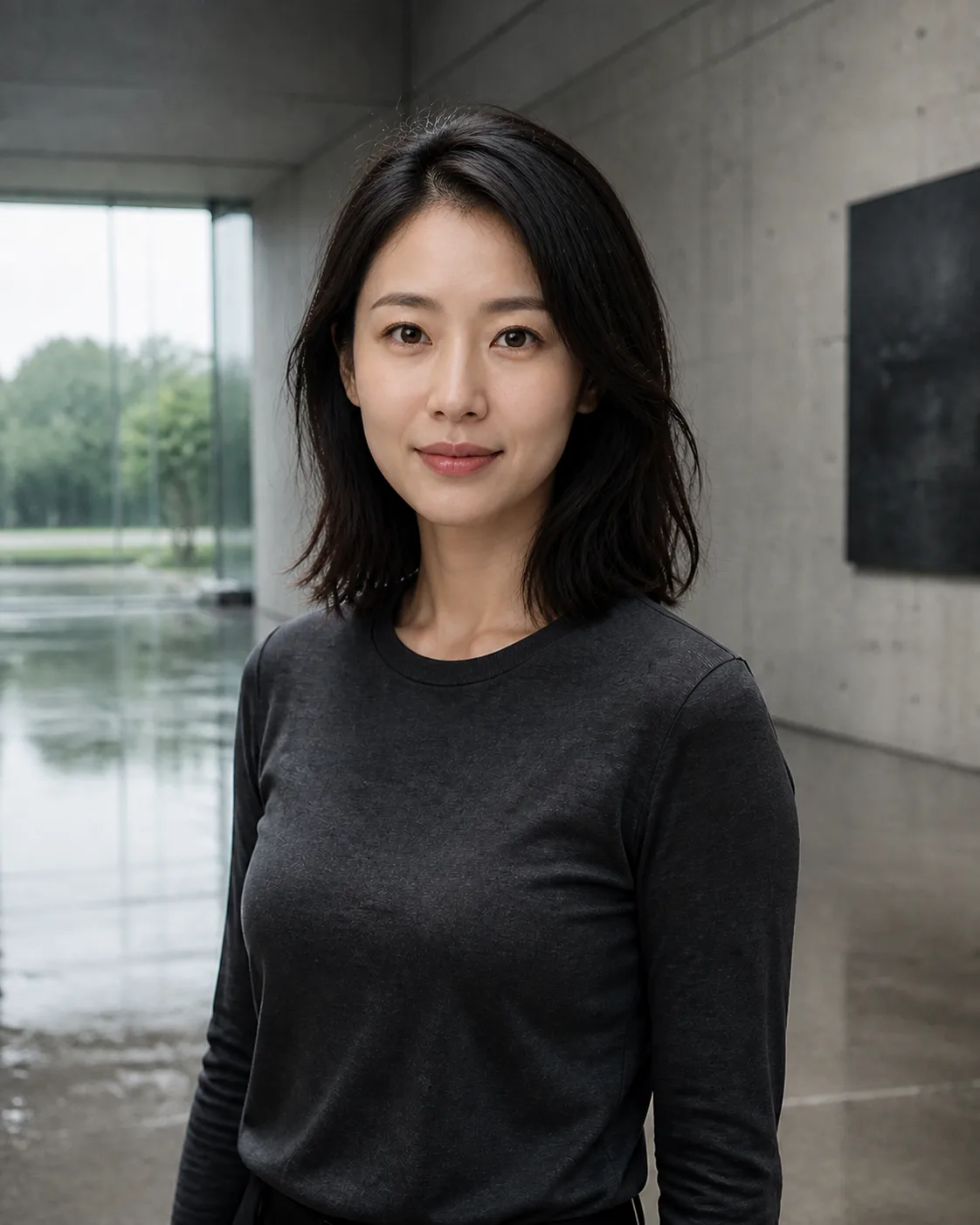
Keep a photo that already works and change who appears in it, with controls for what must stay the same.
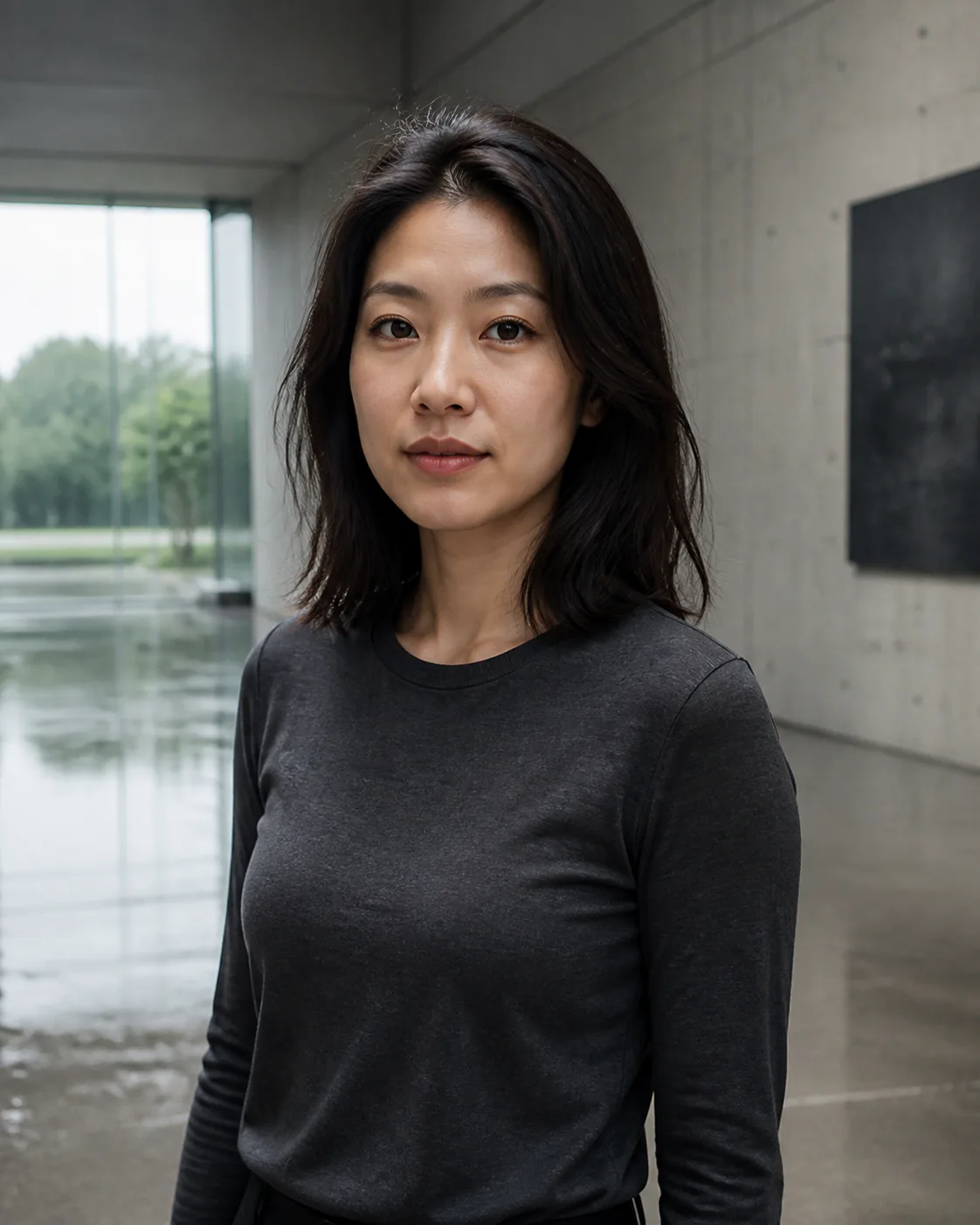
Keep one model's face across a series shot on different days or sets.
Place a face into an editorial, costume or concept scene you have already composed.
Adapt a finished visual for another market with talent you are authorised to use.
Choose the photo whose pose, scene and light you want to keep.
Use a sharp, front-facing photo of the face to place.
Confirm everyone is an adult and you may use their likeness, then choose what to preserve.

Only photos of adults whose likeness you are authorised to use. Every generation asks you to confirm this, and the acceptable use policy applies.
A sharp, evenly lit, front-facing photo without heavy filters, sunglasses or hands covering the face.
Preservation options keep the target's background, light, pose and camera angle, so the edit stays focused on the face.
Continue with another workflow